Looking for a screen recorder to capture your on-screen content? Try a free online screen recorder to get started! It eliminates the need for downloads and offers a lightweight, hassle-free recording solution.
In this blog, we’ll walk you through 5 free online screen recorders, highlighting their features, pros, and cons. Now, let’s dive in.
Quickly have a brief view of 5 best free online screen recorders:
| Tool | Free Plan | Watermark | Time Limit | Key Features | Cons | Video Quality | Best For |
|---|---|---|---|---|---|---|---|
| FlexClip | Unlimited recording | No | 60 min per video | Support recording up to 60 minutes; powerful video editor to refine and polish recordings | Some AI-powered editing features may be restricted in the free version | Up to 1080p | Long and watermark-free recording |
| Loom | Maximum 25 videos | Yes | 5 min per video | Generate shareable links and track basic analytics | Watermark-added; No custom branding to add logo or background | 720p | Quick sharing |
| RecordCast | Maximum 12 projects | Yes | 5 min per video | No login to start recording; built-in video editor to polish recording clip | Short recording with low resolution support; watermark-added | 480p SD downloads | Ease of use |
| Clipchamp | Unlimited recording | No | 30 min per video | Unlimited recordings and retakes;export 1080p recordings without watermark | Require a Microsoft account to start recording; Only works on Chrome and Edge (no Safari/Firefox support) | Up to 1080P | Windows users |
| Veed.io | 10 minutes per month | Yes | 10 min per video | Capture short recordings for social media; flexible customization of recording settings | A mandatory watermark and limits recordings to 10 minutes in 720p | 720P | Social media post |
Directly Start Your Screen Recording Online>>
FlexClip - All-in-one Free Online Screen Recorder
Enjoy watermark-free screen recording with FlexClip’s free online screen recorder! You can capture your screen, webcam, and audio simultaneously or separately. Whether you’re recording webinars, online courses, presentations, tutorials, or any on-screen content worth sharing, FlexClip lets you record up to 60 minutes per video with unlimited recording sessions.
Want to refine your recording? FlexClip comes with a built-in video editor to help you polish your footage. From basic edits like trimming and adding text to advanced features such as AI auto subtitles and filler word removal, it offers easy-to-use tools to make your videos sound more professional. Best of all, no recording or editing experience is required.
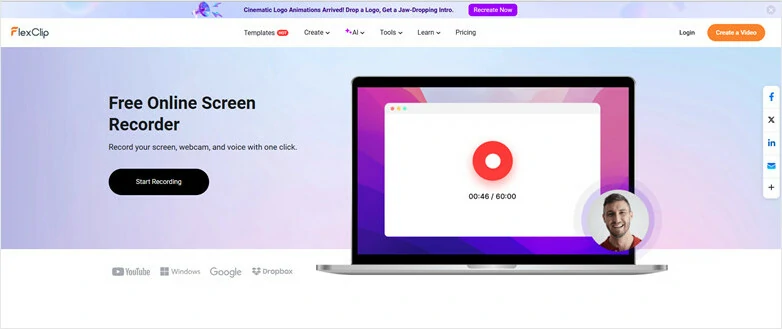
Free Online Screen Recorder - FlexClip
Key Features
Loom - Free Online Screen Recorder for Quick Sharing
Whether you’re creating tutorials, sharing team updates, or recording quick demos, Loom has you covered. Its free online screen recorder is incredibly easy to use and instantly generates a shareable link, making it simple to send via email, embed on your website, or post on social media.
The free plan supports recordings up to 720p with a maximum length of 5 minutes per video. It also includes useful feedback features, allowing viewers to leave comments or enabling you to create one-on-one sessions for more personalized communication. However, videos recorded with the free version will include a watermark.
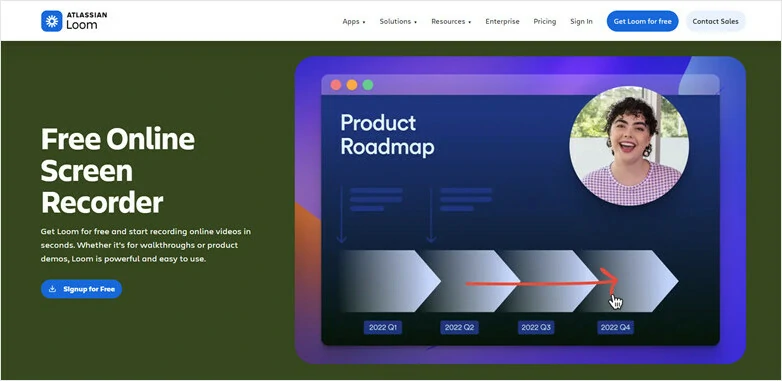
Free Online Screen Recorder - Loom
Key Features
RecordCast - Simple Free Online Screen Recorder
RecordCast is an all-in-one online screen recorder that allows you to capture anything on your screen and edit it seamlessly using its built-in video editor. It also places a strong emphasis on privacy and security, ensuring your recordings are not uploaded to servers or shared with third parties.
Whether you’re recording online meetings, video tutorials, e-learning content, gameplay highlights, or presentations, RecordCast offers flexible recording modes—including screen, webcam, microphone audio, and system sound—that you can combine freely. If you’re looking for a simple tool for quick recordings with an intuitive interface, RecordCast is a great choice.
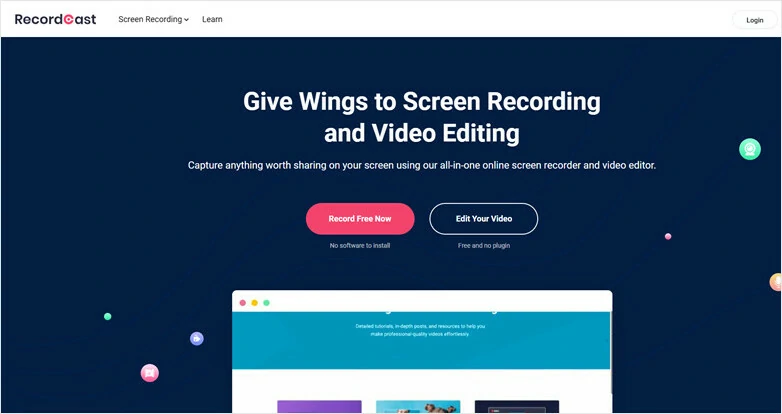
Free Online Screen Recorder - RecordCast
Key Features:
Clipchamp - Free Online Screen Recorder for Windows
For users with a Microsoft account, Clipchamp is a free online screen recorder worth exploring. It offers flexible recording options and allows you to capture your screen for up to 30 minutes per session, with unlimited recording sessions. If you need longer footage, you can simply record multiple clips and merge them into one seamless video.
In addition, Clipchamp includes a built-in video editor that makes post-production simple and efficient. You can easily trim unwanted parts, add text, insert annotations, and customize your video to match your style or theme. Even better, recordings created with a free account come with no watermark.
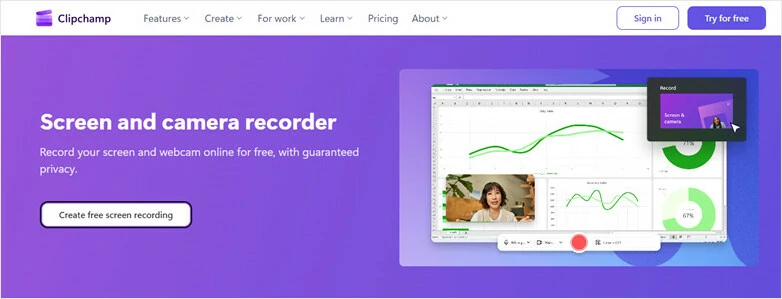
Free Online Screen Recorder - Clipchamp
Veed.io - Capture Onscreen Content for Social Media
VEED.io offers a free online screen recorder that makes it easy to create professional-looking videos and share them instantly. With just one click, you can capture your screen, webcam, and computer audio directly from your browser. What sets VEED.io apart is its flexible recording settings. You can customize layouts, adjust aspect ratios, and change backgrounds to suit your specific needs.
Besides, VEED.io includes a built-in Prompter that lets you display scripts or talking points during recording, helping you maintain a natural connection with the camera. After recording, you can seamlessly refine your video using VEED.io’s integrated editor. However, the free plan limits recordings to 10 minutes per month and adds a watermark to exported videos.
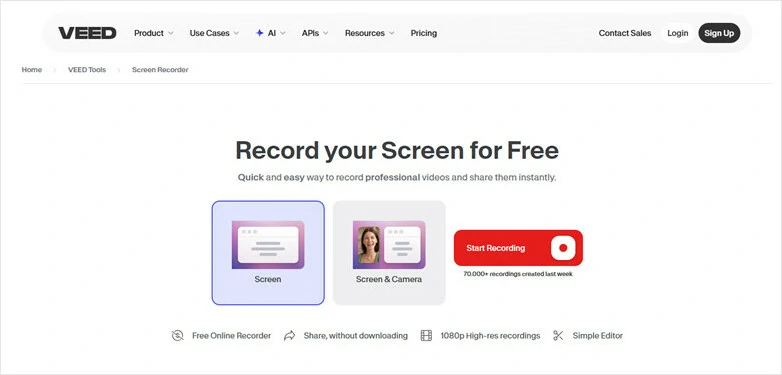
Free Online Screen Recorder - Veed.io
Key Features:
FAQs About Free Online Screen Recorders
1.Do free screen recorders have a watermark?
It depends on the screen recorder you choose. Both FlexClip and Clipchamp offer free screen recording without watermarks, while most of the other tools mentioned in this blog will add a watermark when using their free plans.
2.Can I record webcam and audio simultaneously?
Yes. All the free online screen recorders introduced here support simultaneous webcam and audio recording.
3.Can I edit the recordings?
Yes. Most screen recorders come with a built-in video editor to help you polish your recordings. However, the features and tools they offer can vary, so it’s important to choose one that best fits your needs.
4.Are my recordings private?
Yes. Take FlexClip as an example—anything you record or upload remains visible only to you unless you choose to share it.
The Bottom Line
That's all for 5 best free online screen recorders with their features, cons and pros. Which one is your favorite option? Make your own decision and start recording for sharing right now!




FlexClip AI Video Maker
Reach professional-quality videos faster with easy editing tools, templates, and smart AI.
Start Now for Free
Hot & Trending
-

Best Ways to Find Music in YouTube Videos
-

Instagram Story Video Quality Bad After Upload? Fix It!
-

How to Repost Video on TikTok & How to Remove TikTok Repost
-

Improve Video Quality Online: 3 AI Video Quality Enhancers You Can't Miss
-

4K Convert to HD 1080p without Watermark: Best 4k Video Converters
-

Best 8 Free Video Editors - No Download Required
-

Top 13 Birthday Video Makers with Music and Effects Free
-

How to Search Filters on TikTok & Use a Filter You See - TikTok Filter Guide